The biggest barrier to starting a podcast has never been ideas — it's been production. Recording, editing, mixing, mastering, uploading — a traditional podcast episode takes 4 to 8 hours of work for every 30 minutes of content. AI has erased that barrier entirely. Here's exactly how to launch a professional podcast without recording a single word.
Why You No Longer Need a Microphone
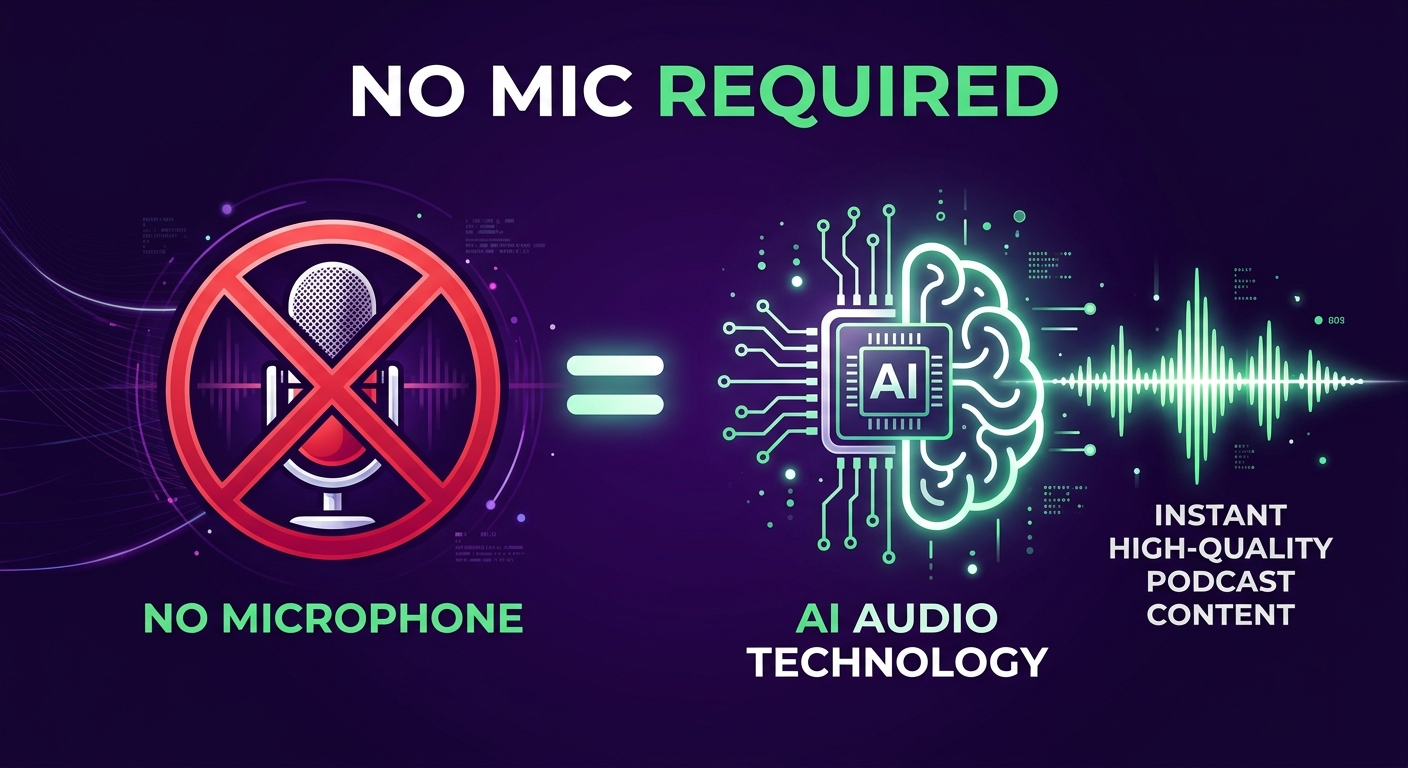
Modern AI text-to-speech technology has reached a level of quality that rivals professional human recordings. In blind listening studies conducted in 2024 and 2025, trained listeners could not reliably distinguish between high-quality AI voices and real human narrators in over 70% of test cases.
This means the technical quality argument for recording yourself — "AI voices sound robotic" — no longer holds. What matters now is the content, the format, and the consistency of your publishing schedule. AI handles the rest.
According to Edison Research's Infinite Dial 2025 report, 42% of Americans are now monthly podcast listeners, and their primary criteria for continuing to listen to a podcast is content relevance and episode consistency — not the specific voice or recording quality of the host.
"The era of podcasting requiring a studio is over. The tools available in 2026 mean that the playing field between a solo creator and a major media company has effectively been levelled."
— Podcast Industry Insights, 2025 State of Podcasting Report
What You Actually Need
To start a podcast without recording, all you need is:
- A topic or content source — a blog post URL, a PDF, a YouTube video, or just a subject you want to cover
- An AI podcast platform — like PodGorilla (start for $1)
- A laptop or desktop computer — no mobile-only limitations
- Podcast platform accounts — Spotify for Podcasters, Apple Podcasts Connect, and/or a YouTube channel (PodGorilla can publish to all of them automatically)
That's it. No microphone. No audio interface. No soundproofing foam. No editing software. No hosting account (PodGorilla handles distribution directly).
Step-by-Step: Your First AI Podcast Episode
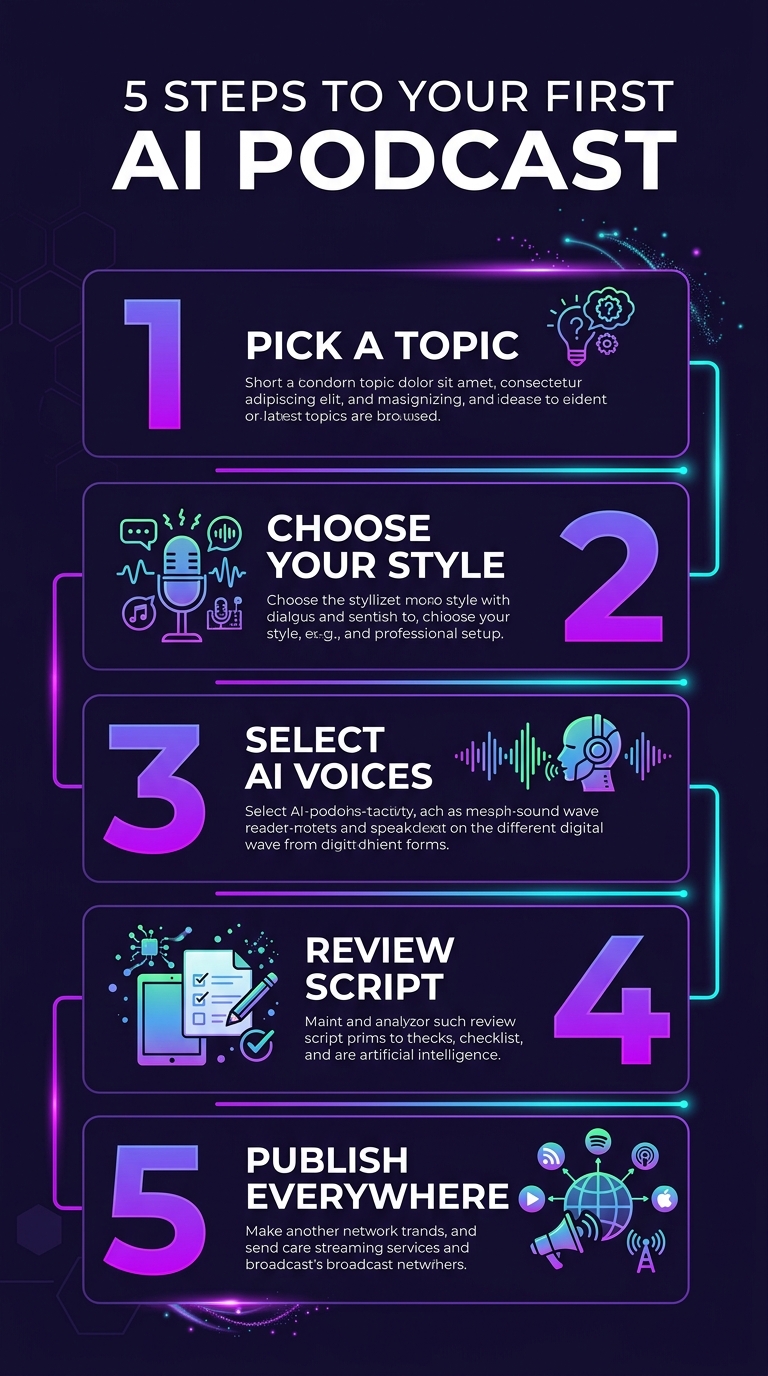
Step 1: Pick Your Topic or Content Source
Decide what your episode will be about. You have four options for input:
- A topic or keyword — e.g. "the future of remote work" or "how to grow on TikTok"
- A URL — paste any blog post, article, or webpage and the AI will read and repurpose it
- A PDF — upload a report, whitepaper, book chapter, or document
- A YouTube video — the AI transcribes and repurposes existing video content into an audio podcast
This is why AI podcasting is so powerful for content repurposing: everything you've already written, filmed, or documented is potential podcast material. See our full guide on turning blog posts into podcasts for more on that workflow.
Step 2: Choose Your Podcast Style
Pick the format that fits your content and audience:
- Interview — two or more AI voices discussing a topic as host and guest
- Solo commentary — a single AI host presenting information, opinion, or analysis
- News briefing — short, punchy format covering multiple topics in a structured way
- Educational deep-dive — longer-form, structured like a lesson or explainer
- Storytelling — narrative-driven format for case studies, histories, or case study content
PodGorilla offers 12+ podcast styles, including formats inspired by popular shows like The Daily, Huberman Lab, and Joe Rogan Experience.
Step 3: Select Your AI Voices
Choose who will "host" your podcast from a library of AI voice personas. Key considerations:
- Match the voice tone to your audience — a finance podcast and a true crime podcast need very different voices
- For interview formats, choose two voices with distinct characters so listeners can follow the conversation easily
- If you want to sound like yourself, use the voice cloning feature — upload 60 seconds of your own audio and the AI will speak in your voice
Step 4: Review and Edit the Script
This step is optional but recommended, especially for your first episodes. The AI will generate a complete script — review it for accuracy, brand voice, and any facts you want to verify or adjust. You can edit line-by-line before generating audio. This is your safety net against AI inaccuracies.
Step 5: Generate Audio, Create Video, and Publish
Click generate. Within minutes, you'll have:
- A broadcast-quality MP3 audio file
- Optionally, a video version in 16:9 (YouTube), 9:16 (TikTok/Reels), or 1:1 (Instagram) with animated captions and waveforms
- An auto-generated episode description and show notes
Then publish directly to Spotify, Apple Podcasts, YouTube, TikTok, LinkedIn, and Instagram — all from the same dashboard.
Building a Content Strategy Without Recording
The biggest advantage of AI podcasting isn't just the first episode — it's the ability to publish consistently at scale. Here's a framework that works:
| Approach | Input Source | Publishing Cadence | Best For |
|---|---|---|---|
| Blog repurposing | Existing blog posts | 1 episode per post | Bloggers, content marketers |
| Weekly news roundup | Industry news URLs | Weekly | Niche publishers, brands |
| Evergreen education | Topic prompts | 2–3x per week | Educators, coaches |
| Product/brand updates | Custom scripts | Monthly | SaaS companies, agencies |
| Research repurposing | PDFs and reports | Per report | Analysts, consultants |
Tips for Getting Your First Episode Right
- Start with your best existing content — repurpose your most popular blog post or most-viewed video as episode 1. It already has proven appeal.
- Keep episode one concise — aim for 10–20 minutes. Long episodes are fine once you have an audience; short ones are easier to listen to when you're unknown.
- Write a compelling episode description — this is what people see before they press play. Include the key takeaway in the first sentence.
- Submit to all platforms on day one — it takes 24–72 hours for Apple Podcasts to index a new show. Use PodGorilla's multi-platform publishing to distribute everywhere simultaneously.
- Publish consistently from the start — even bi-weekly is fine. According to Edison Research, episode consistency is the #1 factor in audience retention for new podcasts.
Frequently Asked Questions
Can I really start a podcast without a microphone?
Yes. AI podcast generators like PodGorilla use text-to-speech technology to create realistic voices from written scripts, eliminating the need for any recording equipment. You can produce and publish a complete, professional podcast episode using only your computer and an AI tool.
Will listeners know it's AI-generated?
Modern AI voices are highly realistic — in blind listening tests, most listeners cannot distinguish high-quality AI voices from human recordings. Many successful podcasts today use AI voices without prominently disclosing it, though transparency is generally good practice for audience trust.
How long does it take to create a podcast episode without recording?
With an AI podcast generator, a typical 15–30 minute episode takes 5–10 minutes to produce — including script generation, voice synthesis, and export. Compare this to 4–8 hours for a traditional recorded and edited episode.
Do I need podcast hosting if I use an AI podcast generator?
Not necessarily. PodGorilla handles distribution directly — publishing your episodes to Spotify, Apple Podcasts, YouTube, and other platforms without requiring a separate hosting account. This simplifies the entire workflow significantly.
Can I use my own voice with an AI podcast generator?
Yes. PodGorilla's voice cloning feature lets you upload 60 seconds of your own voice recording, and the AI will use your cloned voice to narrate all episodes — giving you a personal-sounding podcast without requiring you to record each episode yourself.
Is it free to start a podcast with AI?
Most AI podcast generators offer a free tier with limitations, and paid plans starting from $10–$30/month. PodGorilla offers a complete trial for $1, giving you access to all features including all voice options, podcast styles, and multi-platform publishing.