Your blog archive is a goldmine of podcast content. Every post you've written represents an episode that could be reaching listeners on Spotify during their morning commute, on YouTube while they work out, or on Apple Podcasts during their drive home. AI has made converting blog posts into podcast episodes a 10-minute task. This guide shows you exactly how.
Why Converting Blog Posts to Podcasts Is a Winning Strategy
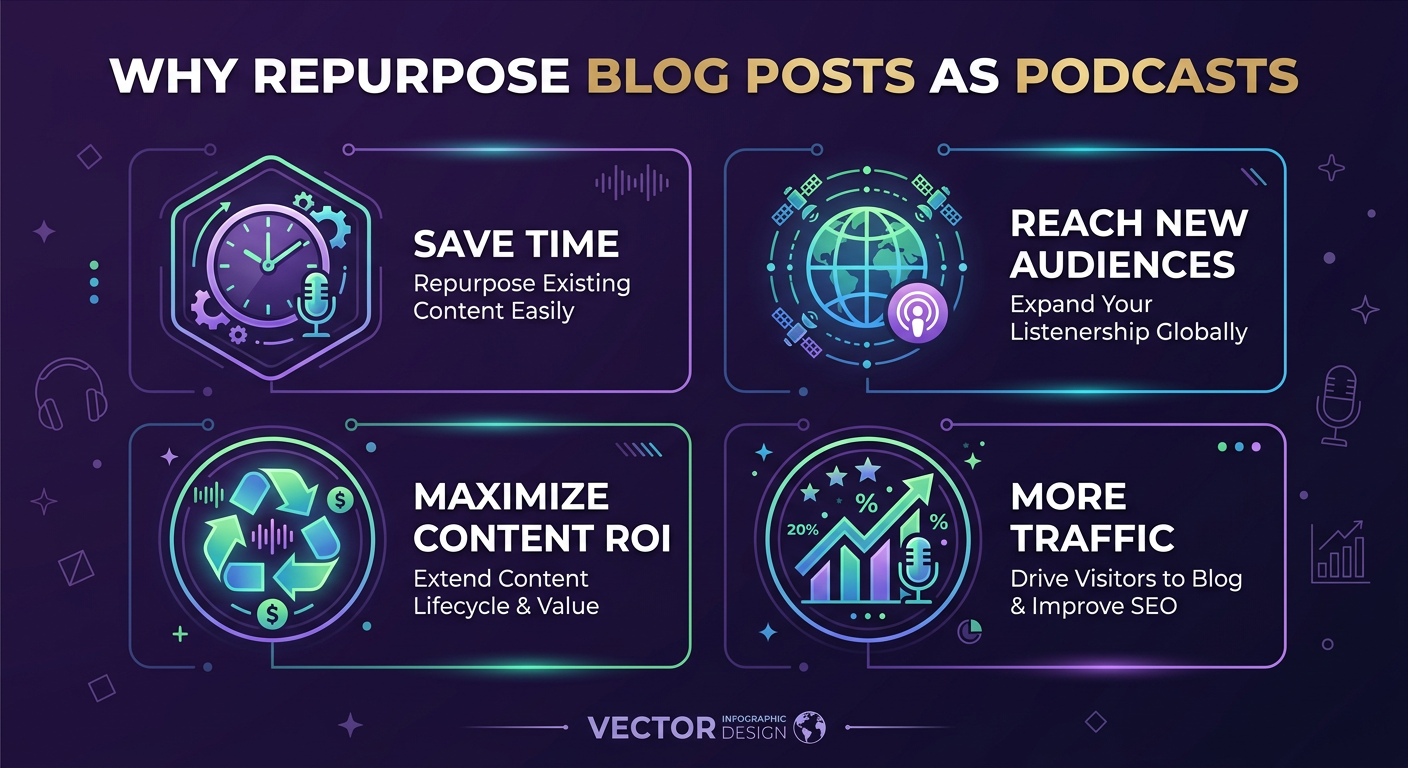
Blog-to-podcast conversion is one of the highest-ROI content strategies available in 2026, and the numbers explain why:
- 584 million podcast listeners globally — a huge audience that many blog readers never overlap with. Your content can reach an entirely new segment. (See our full podcast statistics 2026 breakdown.)
- Podcast listeners finish episodes — 80% listen to all or most of an episode, vs. the average blog post read rate of 20–28% of content. Audio commands attention differently than text.
- Zero additional research needed — you've already done the work. The blog post is the research. AI handles the scriptwriting and production.
- SEO backlink potential — podcast show notes and episode pages create additional indexed pages that link back to your original blog content.
- Platform diversification — reduces dependency on Google search traffic by building an audience on audio and video platforms.
"Repurposing content into audio is the single highest-ROI content strategy for most B2B brands in 2026. The content already exists — you're just unlocking new distribution channels."
— Content Marketing Institute, B2B Content Marketing Report 2025
Which Blog Posts Convert Best to Podcasts?
Not all blog posts make equally good podcast episodes. Here's what performs best:
| Blog Post Type | Podcast Suitability | Why It Works |
|---|---|---|
| How-to guides & tutorials | ⭐⭐⭐⭐⭐ Excellent | Step-by-step structure maps perfectly to audio format |
| Opinion / commentary pieces | ⭐⭐⭐⭐⭐ Excellent | Conversational tone works naturally as solo or interview format |
| Industry news & roundups | ⭐⭐⭐⭐ Very good | News briefing format; listeners consume quickly |
| Case studies | ⭐⭐⭐⭐ Very good | Narrative arc works well as storytelling format |
| Statistics & data posts | ⭐⭐⭐ Good | Works best as interview format with "host explains the data" |
| Product reviews / comparisons | ⭐⭐⭐ Good | Interview or debate format adds engagement |
| Glossary / definition posts | ⭐⭐ Fair | Good for short episodes; can feel dry in solo format |
Step-by-Step: Blog Post to Podcast in 10 Minutes
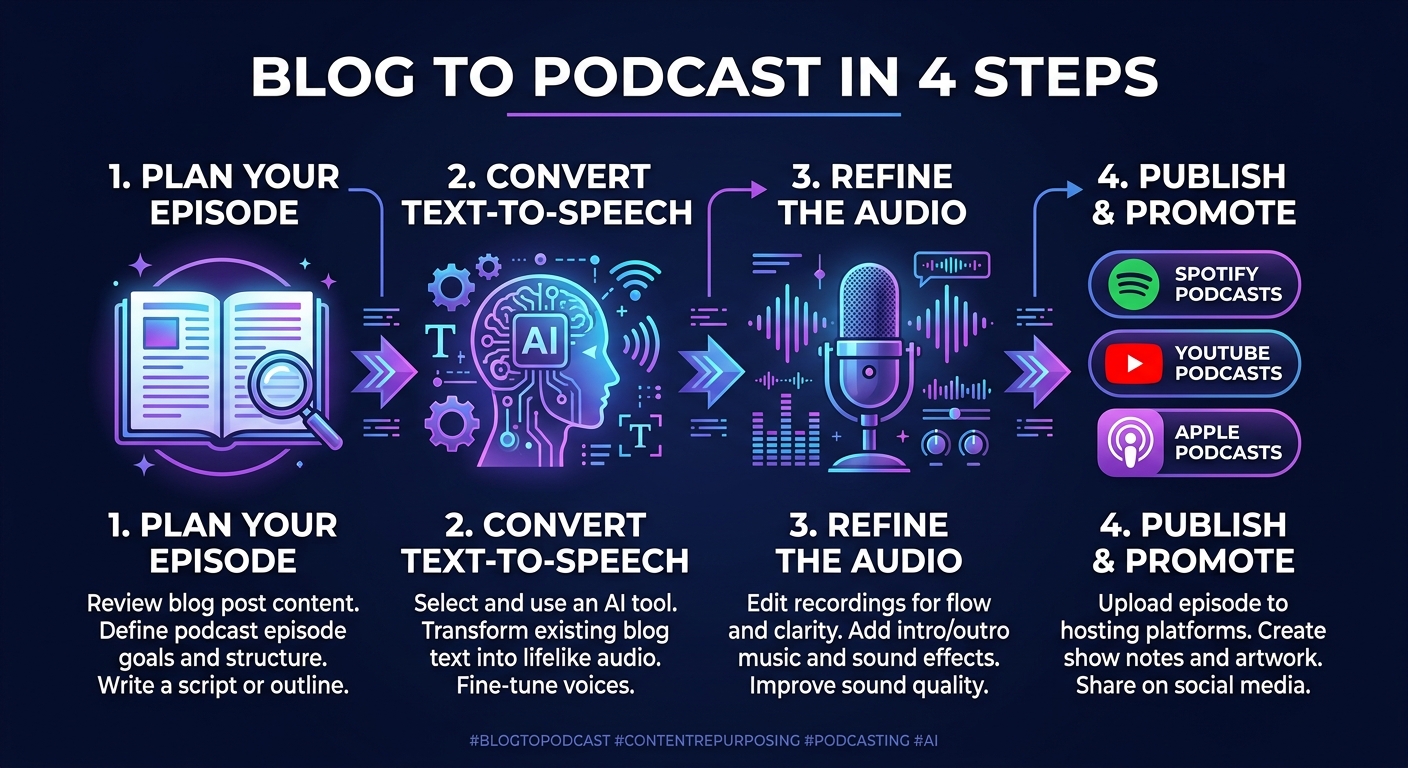
Step 1: Copy Your Blog Post URL
Open PodGorilla and create a new episode. Select the URL input tab and paste your blog post URL. The AI will fetch the page, extract the text content, and use it as the source material for your episode.
Tip: Make sure the blog post URL is publicly accessible (not behind a login wall). If your post is gated, copy and paste the text directly into the topic field instead.
Step 2: Choose Your Podcast Format
Decide how you want the blog content presented:
- Interview format — best for posts with multiple perspectives, comparisons, or Q&A content. The AI creates a host-and-guest conversation around your post's topics.
- Solo commentary — best for opinion pieces, news analysis, or authoritative guides. A single AI host presents your content directly.
- Educational deep-dive — best for long-form how-to posts and detailed guides. Structured and informative, similar to educational podcast shows.
Step 3: Select Your Voices
Choose which AI voices will host the episode. PodGorilla offers 300+ options across genders, accents, ages, and vocal styles. For an interview format, pick two voices with distinct qualities — different genders or accents help listeners track who's speaking.
If you want to maintain a personal brand, use PodGorilla's voice cloning feature: upload 60 seconds of your own voice and it becomes the host voice for all your episodes.
Step 4: Review and Edit the Script
Before generating audio, review the AI-generated script. Check for:
- Any factual inaccuracies in how the AI interpreted your content
- Brand-specific terminology — add your product names or branded phrases
- Call-to-action placement — consider adding a specific CTA (e.g. "visit [your website]") at the end of the episode
- Tone alignment — adjust if the AI's style doesn't match your brand voice
Step 5: Generate Audio and Video
Click generate. PodGorilla produces:
- A broadcast-quality MP3 (and optionally WAV) audio file
- A video version in 16:9 for YouTube, 9:16 for TikTok/Instagram Reels, or 1:1 for Instagram posts — with animated waveforms and auto-generated captions
- Episode show notes and a transcript
Step 6: Publish to All Platforms
With one click, publish your episode to:
- Spotify — the world's largest podcast platform by active listeners
- Apple Podcasts — dominant among 35+ audiences in English-speaking markets
- YouTube — the fastest-growing podcast platform, especially for 18–34s
- TikTok, Instagram, LinkedIn — for short-form clip distribution to grow your audience
Pro Tips for Better Blog-to-Podcast Conversions
- Add a personal intro prompt — before the AI takes over, write 2–3 sentences of context you want the host to say upfront. This personalizes the episode and makes it feel less like a direct audio readout.
- Use your evergreen posts first — start with your highest-traffic or most-shared blog posts. Proven content = a better first impression for your new podcast.
- Create a podcast series from a blog series — if you have a multi-part blog series, turn each post into an episode and release them as a limited podcast series. Spotify and Apple reward serialized content with better algorithmic placement.
- Link the blog post in show notes — always include a link back to the original blog post in the episode description. This drives cross-platform traffic and creates SEO value.
- Update old posts before converting — if repurposing an old blog post, quickly update any outdated stats or references before converting. The AI will use whatever's on the page.
Converting Your Entire Blog Archive
If you have dozens or hundreds of blog posts, you don't have to convert them one at a time. A systematic approach:
- Export a list of your top 20 posts by traffic (from Google Search Console or your analytics platform)
- Prioritize by: highest traffic + evergreen relevance + topic that suits audio
- Convert 2–3 per week consistently — even at that pace, you'll have 100+ episodes within a year
- Schedule releases in advance so your podcast feed publishes on a consistent cadence
For businesses, the marketer's guide to AI podcasting covers how to build this into a content workflow at scale.
Frequently Asked Questions
How do I turn a blog post into a podcast?
Paste your blog post URL into an AI podcast generator like PodGorilla. The AI reads the content, converts it into a conversational podcast script, assigns AI voices, generates the audio, and publishes directly to Spotify, Apple Podcasts, YouTube, and other platforms — in under 10 minutes.
Can I convert old blog posts into podcasts?
Yes. Any publicly accessible blog post URL can be converted into a podcast episode. If converting older posts, consider updating outdated statistics or references before conversion to ensure accuracy.
Will the podcast sound different from my blog post?
Yes, in a good way. AI podcast generators don't just read your blog post aloud — they rewrite the content into a conversational podcast format. For interview styles, it creates a natural-sounding dialogue between host and guest based on your content's topics and arguments.
How long will the podcast episode be?
Episode length depends on the length and depth of your blog post. A typical 1,500-word blog post converts to approximately 8–12 minutes of audio. A 3,000-word long-form guide typically produces a 20–30 minute episode.
Does converting a blog post to a podcast help SEO?
Yes, indirectly. The podcast episode creates additional indexed pages (episode description pages, show notes), earns backlinks from podcast directories, and drives cross-platform traffic back to your original blog post. It also builds topical authority signals through consistent audio content in your niche.
What is the best tool to convert blog posts to podcasts?
PodGorilla is among the most complete tools for blog-to-podcast conversion. It accepts URLs directly, offers 300+ AI voices, multiple podcast formats, video export, and publishes to all major platforms including Spotify, Apple Podcasts, YouTube, TikTok, LinkedIn, and Instagram.